

MyEd Student Portal
Students are able to access a variety of information via the MyEdBC Aspen Go Student Portal including their schedule, class assignments, attendance records, and demographics.
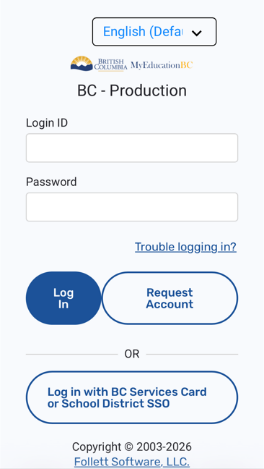
- In your web browser, go to https://myeducation.gov.bc.ca/ - this will get you to the login page. Your login ID will be your student number. The first time you log into your account, you will be asked to reset your password. If you have forgotten your password, click the ‘trouble logging in’ link and follow the directions to reset your password.
- Once you have logged into MyEdBC, your mobile view will automatically take you to the ‘My Schedule’ page.
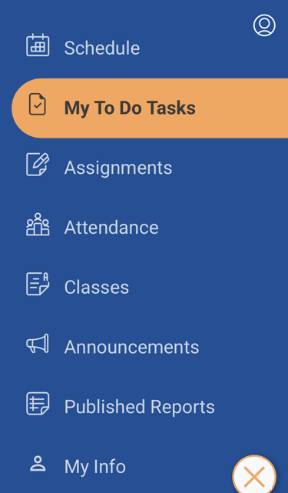
- At the bottom right of your mobile screen, you will see a menu icon. Click this icon to bring up the main menu.

- From the main menu, you can choose to view your schedule, any tasks your school has asked you to complete (such as forms to fill out), assignments your teacher(s) have entered in MyEdBC along with due dates, the classes you are registered for, announcements, and published reports such as learning updates.
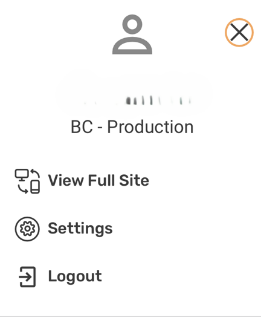
- If at any point, you want to go to the full website, click the person icon at the top right of your screen and choose ‘view full site’. You also have the option of changing your account settings.
If your account is disabled, email belmontmyedportalsupport@sd62.bc.ca for assistance.